The best grocery-saving apps for Canadians do one of three things: show you where the deals are, pay you back for what you already buy, or help you plan meals around what’s on sale. Flipp, Deal Dish, Canadian Grocery Flyers & Deal, Reebee, Checkout 51, PC Optimum, Ibotta and Caddle each tackle at least one of those jobs, and most are free to try.
Flipp is the easy starting point. You can browse hundreds of flyers from retailers in your area, clip coupons on your phone and show them to the cashier. Deal Dish takes a different route, turning flyers from 3500+ Canadian stores into recipes and one shopping list every Thursday. That’s handy if you’d rather plan dinners than hunt for discounts.
Saving money at the till also helps the planet. Buying only what you’ll eat cuts the waste that happens when good food gets tossed, and food waste harms the planet in ways most of us never see. A tighter, flyer-based list keeps your wallet and your fridge in better shape.
Below, we explain how we picked these eight apps, break down what each one does, and help you match one to your shopping habits.
How We Chose These Grocery Savings Apps
Picking the right app comes down to whether it actually helps you spend less and waste less. We looked at four things for every app on this list. First, Canadian availability, since a great deal means little if it only works elsewhere. Second, ease of use, because an app you dread opening won’t last past your first grocery run. Third, the savings tools it offers. And fourth, whether it helps you plan better, so you buy what you’ll eat instead of what looks like a bargain.
To keep things easy to compare, each entry touches on the same dimensions:
- Flyer browsing across local stores
- Coupon clipping you can show at the till
- Shopping lists to keep trips focused
- Loyalty points you can store and track
- Price alerts for items you buy often
- Store-to-store price comparison
- Cashback or points on everyday purchases
Not every app covers all seven, and that’s fine. Some are built for planning, others for stacking rewards on top of what you already buy. Think of them as tools you can mix and match.
One honest note: app features, offers and availability change over time. Before you download anything, check the app’s current listing in your app store to confirm what it offers, what it costs and whether it works on your device.
Apps for Saving on Groceries in Canada: The List
1. Flipp, Browse Flyers and Clip Coupons in One Place
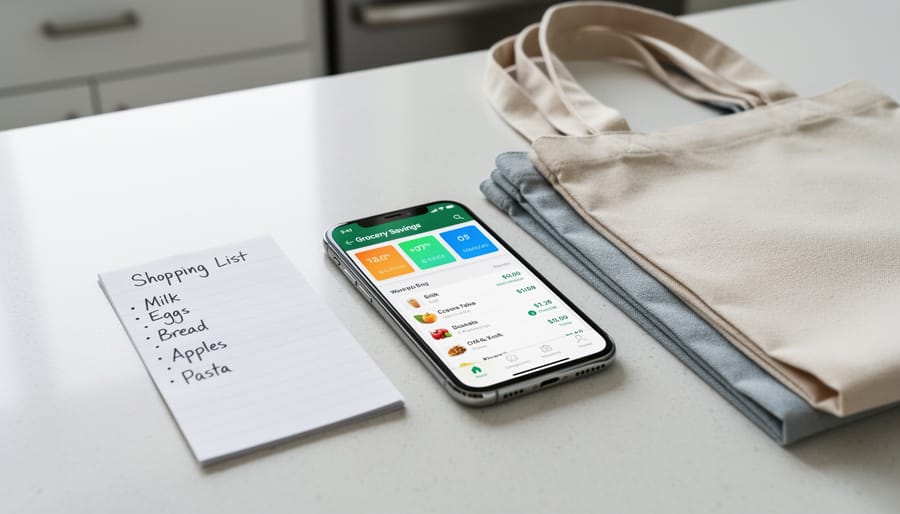
If you only download one app from this list, Flipp is a strong place to start. It gathers flyers from hundreds of retailers in your area into one spot, so you can flip through the week’s deals without a stack of paper or a drive across town. Better yet, you can clip coupons virtually and show them to the cashier right from your smartphone.
Flipp goes beyond browsing, too. You can build a shopping list as you spot deals, and store your loyalty points so they’re ready at checkout. It isn’t only about groceries either. You’ll also find coupons for home and garden stores, pet stores, pharmacies and more, which makes it handy when you’re stocking up on more than food.
Flipp is best for shoppers who like to compare before they commit, and for anyone who wants fewer apps cluttering their phone. If you’re juggling a few stores, it saves real time.
Here’s a simple way to plan a trip around the deals. Before you shop, check what’s already in your fridge and pantry. Then browse the flyers and add only the sale items you’ll actually use to your list. Planning around what you need, rather than what’s discounted, keeps your savings real and keeps extra food from going to waste. Once your list is set, clip any matching coupons, and you’re ready to shop with a plan.
2. Deal Dish, Turn Weekly Flyers Into Recipes and One Shopping List
If you’ve ever stood in the produce aisle wondering what to cook with the sale chicken, Deal Dish is built for that moment. The app takes the weekly flyers from 3500+ Canadian stores and turns them into recipes and one shopping list. Everything refreshes every Thursday, so you can plan your week around what’s actually discounted.
That’s where it ties into reducing food waste. When you plan meals around sales, you shop with a purpose instead of tossing random bargains into the cart and hoping for the best. Deals only save money if the food gets eaten, and a recipe attached to every sale item makes that far more likely. It’s a small shift, but it keeps fewer forgotten leftovers and wilted vegetables from ending up in the bin.
Deal Dish suits home cooks who like having meal ideas handed to them. If you’re tired of the “what’s for dinner?” scramble, or you tend to buy ingredients without a plan, the recipe-first approach can make your grocery trips feel much more focused.
Here’s a simple way to use it: on Thursday, pick four or five dinners from the recipes that share ingredients. Two meals that use the same sale-priced vegetables or protein, for example, mean you buy once and use it all. Add those recipes to your single shopping list, check your fridge and pantry for what you already have, and cross off the duplicates before you head out. You’ll end up with a week of dinners mapped out and a cart with very little guesswork in it.
3. Canadian Grocery Flyers & Deal, A Free Flyer App for iPhone and iPad

If you like browsing weekly flyers on a bigger screen, Canadian Grocery Flyers & Deal is worth a look. It’s built for iPhone and iPad, and it’s designed for iPad in particular, so the layout suits a tablet well. That makes it a nice fit for anyone who likes to sit down with a coffee and flip through the week’s deals before heading to the store.
The app is free to download, with in-app purchases available. The listing also shows a 16+ age rating, which is handy to know if you’re sharing a device with younger family members. You can see the full rundown in the App Store app details.
This one is best for flyer browsers rather than people who want a lot of extras. If your main goal is to scan sales, spot what’s cheaper this week and build your meals around it, a larger screen can make that easier on the eyes. Planning around what’s on sale also helps you buy with purpose, which means fewer forgotten items going bad in the fridge.
Before you install, take a minute to read the App Store listing yourself. Features, pricing for in-app purchases and device support can change, so the listing is the best place to confirm what you’ll get today.
4. Reebee, Flyer Browsing and Price Comparison
Reebee is another flyer app worth a look if you like to see where the deals are before you head out. Instead of flipping through paper circulars or driving from store to store, you can browse flyers on your phone and build a shopping list from the items that catch your eye.
The real payoff is comparison. When two or three nearby stores are all advertising chicken, rice or yogurt, you can see the prices side by side in a few minutes from your couch. That saves gas, time and the temptation to wander the aisles picking up extras.
Here’s a simple tip: check the unit price, not just the sticker price. A bigger package often looks like the better deal, but the price per 100 grams or per litre tells the real story. Most shelf tags list it, and it’s easy to work out yourself with your phone’s calculator.
A bigger pack only saves money if you’ll actually finish it. Before you add a flyer deal to your list, ask yourself whether it fits into meals you already plan to make.
5. Checkout 51, Earn Cashback on Everyday Staples
Checkout 51 works on a simple cashback model, and it’s a nice way to stack savings on groceries you were already planning to buy. You browse the offers in the app, pick the ones that match your list, buy those products at the store, and then submit a photo of your receipt. If everything lines up, you earn money back.
Here’s the usual rhythm:
– Check the offers before you shop and see which ones fit your regular staples.
– Buy the qualifying products, keeping your receipt.
– Snap and submit the receipt through the app.
– Watch your cashback build up over time.
It pairs well with a flyer app, since you can compare sale prices and then add a cashback offer on top for the same item.
The one thing to watch is the temptation to chase deals. A cashback offer on something you’d never normally buy isn’t really a saving, and unused food in the back of the fridge is money you’ll end up tossing out. So scroll the offers with your meal plan in hand, and skip anything that isn’t already on your list. Because offers and terms can change, take a quick look at the current details in the app before you count on a particular deal.
6. PC Optimum, Loyalty Points That Add Up
PC Optimum works on a simple idea: you collect points when you buy eligible items, then redeem those points toward future shopping. Think of it as a small savings account that grows quietly in the background while you do your usual grocery run.
The real trick is to open the app before you shop, not after. Personalized offers can change from one person to the next, so a quick scroll through your offers screen can show you which products are worth picking up this week. Loading an offer is usually easy, so it takes only a moment to do while you write your list.
A little planning helps with redemptions too. Rather than spending points on the first thing that catches your eye, decide ahead of time what you’ll put them toward, such as staples you’ll definitely use up. That keeps the points working for your actual meals instead of nudging you to buy extras that might end up forgotten in the back of the fridge.
Check the app for the most current details on how points are earned and redeemed, since programs can change over time.
7. Ibotta, Rebates on Groceries
Ibotta is a rebate-style app: you browse offers, buy the products, then verify your purchase to earn money back. It’s a handy way to get a little something back on items you were already planning to buy, which is the best way to use any rebate app.
Here’s the catch for Canadian shoppers. Ibotta’s availability and the offers on it can differ depending on where you live, and those details change over time. Before you get your hopes up, open the app store listing on your phone and check whether the app is available to you and which offers actually apply in Canada. If it isn’t a fit, you haven’t lost anything, and there are plenty of other apps on this list to try.
One simple habit makes any rebate app work in your favour: only activate offers for things already on your grocery list. A rebate on something you won’t finish isn’t a saving, it’s just extra food heading for the bin. Verify first, then treat Ibotta as a bonus, not your whole plan.
8. Caddle, Earn Rewards for Sharing Receipts and Taking Surveys
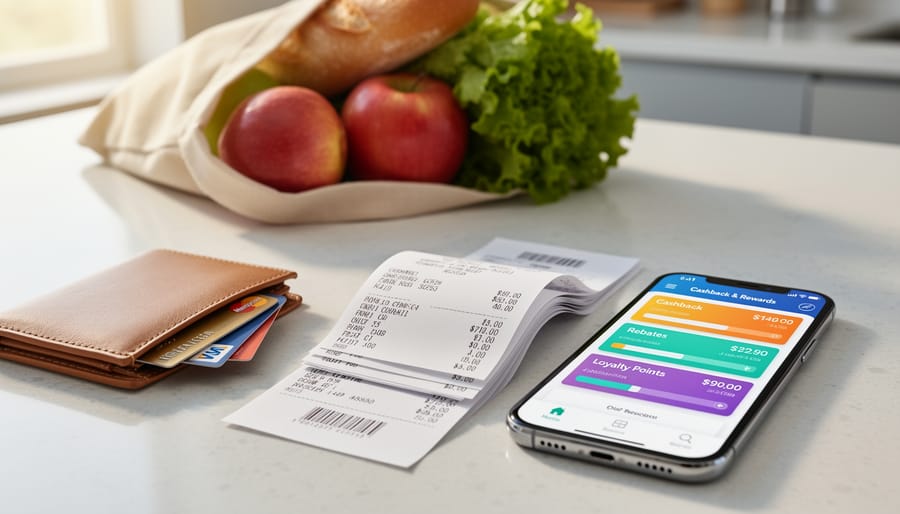
Caddle is a rewards-style app where your everyday shopping activity can turn into small extras. The general idea is simple: you share receipts from purchases you’ve already made, and you might also take short surveys, earning rewards along the way. There’s no need to change what you buy.
Think of it as a little bonus rather than a savings strategy. Rewards from apps like this tend to be modest, so they won’t replace the real work of planning meals, checking your fridge and building a list around what’s on sale. They’re a nice top-up on top of those habits.
If you’re curious, give it a try with realistic expectations. Check the app’s current terms before you start so you know how rewards are earned, what the requirements are and how you can cash out, since those details can change over time.
The best way to use Caddle is quietly in the background. Snap your receipt after a trip you were already making, skip any urge to buy extra just to earn more, and let the small rewards add up on their own.
Flyer, Coupon and Cashback Apps Side by Side
Here’s a quick look at how the eight apps compare, so you can see which type fits the way you shop.
| App | Type | Main use |
|—|—|—|
| Flipp | Flyers and coupons | Browse flyers, clip coupons, build lists, store loyalty points |
| Deal Dish | Flyers and meal planning | Turns flyers from 3500+ Canadian stores into recipes and one shopping list, updated every Thursday |
| Canadian Grocery Flyers & Deal | Flyers | Free with in-app purchases; for iPhone and iPad |
| Reebee | Flyers | Browse deals and compare prices across stores |
| Checkout 51 | Cashback | Earn money back on everyday staples after you submit a receipt |
| PC Optimum | Loyalty program | Collect points on eligible purchases and redeem them later |
| Ibotta | Rebates | Rebate-style savings on groceries; check availability in Canada |
| Caddle | Rewards | Small rewards for sharing receipts and taking surveys |
If you like planning, start with a flyer app. If you’d rather save without changing your routine, a cashback or loyalty app is the easier fit.
Getting the Most Out of Your Savings Apps (Without Buying Extra Food)
Saving money on groceries only works if the food gets eaten. A few habits turn your apps into waste-fighters instead of impulse-buy machines.
Start with what you already have. Take a quick look through the fridge, freezer and pantry before you open any flyer. Then build your meals around what’s on sale, since flyer apps like Flipp and Deal Dish make it easy to see which deals line up with what you need this week. Deal Dish, for example, turns flyers into recipes and one shopping list every Thursday, so you can plan dinners and shop with purpose.
Once you’re in the app, stick to your list. A coupon or cashback offer on something you wouldn’t normally buy isn’t a saving, it’s extra food that may end up in the bin. Skip the offers that don’t fit your meals, and resist bulk deals you can’t realistically finish.
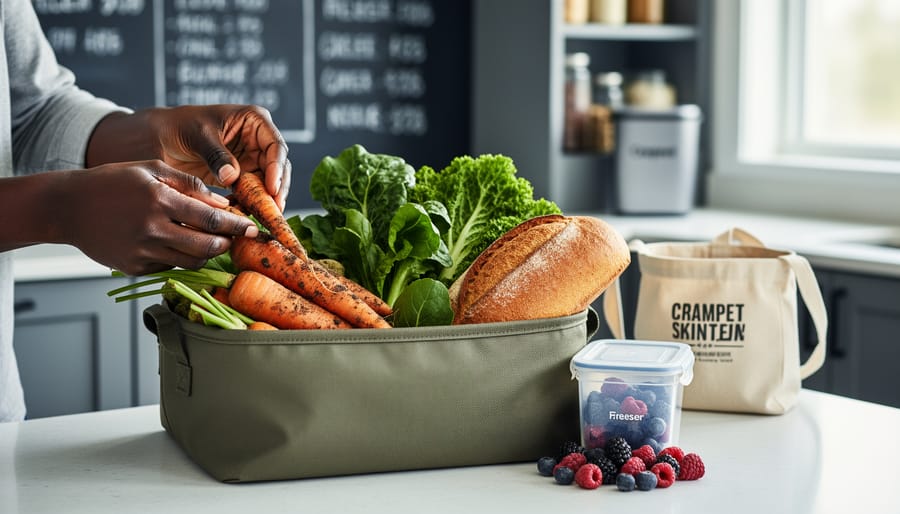
If a great price does tempt you into buying more, have a plan for it. Portion and freeze meat, bread or fresh produce as soon as you get home, and label it so it doesn’t get forgotten. Pairing your apps with good storage habits means every dollar you save also stays out of the garbage, which is exactly what Food Back is all about.
Common Questions About Grocery Savings Apps in Canada
Are grocery savings apps free to use?
Many are free to download, though some include optional in-app purchases. The Canadian Grocery Flyers & Deal app, for example, is listed as free with in-app purchases, so it’s worth reading the listing before you commit.
Can I use more than one app at a time?
Yes, and many shoppers do. A flyer app like Flipp can show you the sales, while a loyalty or cashback app adds a little extra on top of what you were already buying.
Do I need a smartphone to use digital coupons?
Most digital coupons are built for a smartphone, since Flipp lets you clip them and show them to the cashier on your phone. If you’d rather skip the phone, you can still browse flyers on a tablet or plan your list at home.
How do I avoid overspending when chasing deals?
Check your fridge and pantry first, write a list, and stick to it. A deal only saves money if you’ll actually eat the food.
Keeping these answers in mind makes it easier to enjoy the savings without the second-guessing. If a question isn’t covered here, the app’s own listing is the best place to confirm current details, since features and offers can change from time to time.
Final Takeaway: Pick One or Two Apps and Shop With a Plan
Start small: pick one flyer app like Flipp and one cashback or loyalty app like PC Optimum, then plan your meals around what’s on sale. Savings and less waste really do go hand in hand, because a deal only helps if the food gets eaten. If you want to keep building good habits, these practical tips can help you stop wasting food, and this shelf life guide shows how long pantry staples keep. Try one tip on your next grocery run.